Turn off microphone access for Google app
09/06/19, 7:35 PM

Edited
I noticed my new Pixel phone 1 I got off eBay kept draining fast and got a bit hot, but mostly while at school.
(When I get home it lasts longer and doesn't get as hot.)
I wanted the Google Assistant to not respond with voice when it's locked and after doing some research I found out it's not possible to just have it when unlocked. It's either all the time or gives a notification to turn it back on if "Ok Google" is said (when locked). That means it still "responds" to "Ok Google" even when off.
I realized today it probably gets hot and dies more at school because there is more noise and it's trying to tell if "Ok Google" is said through it.
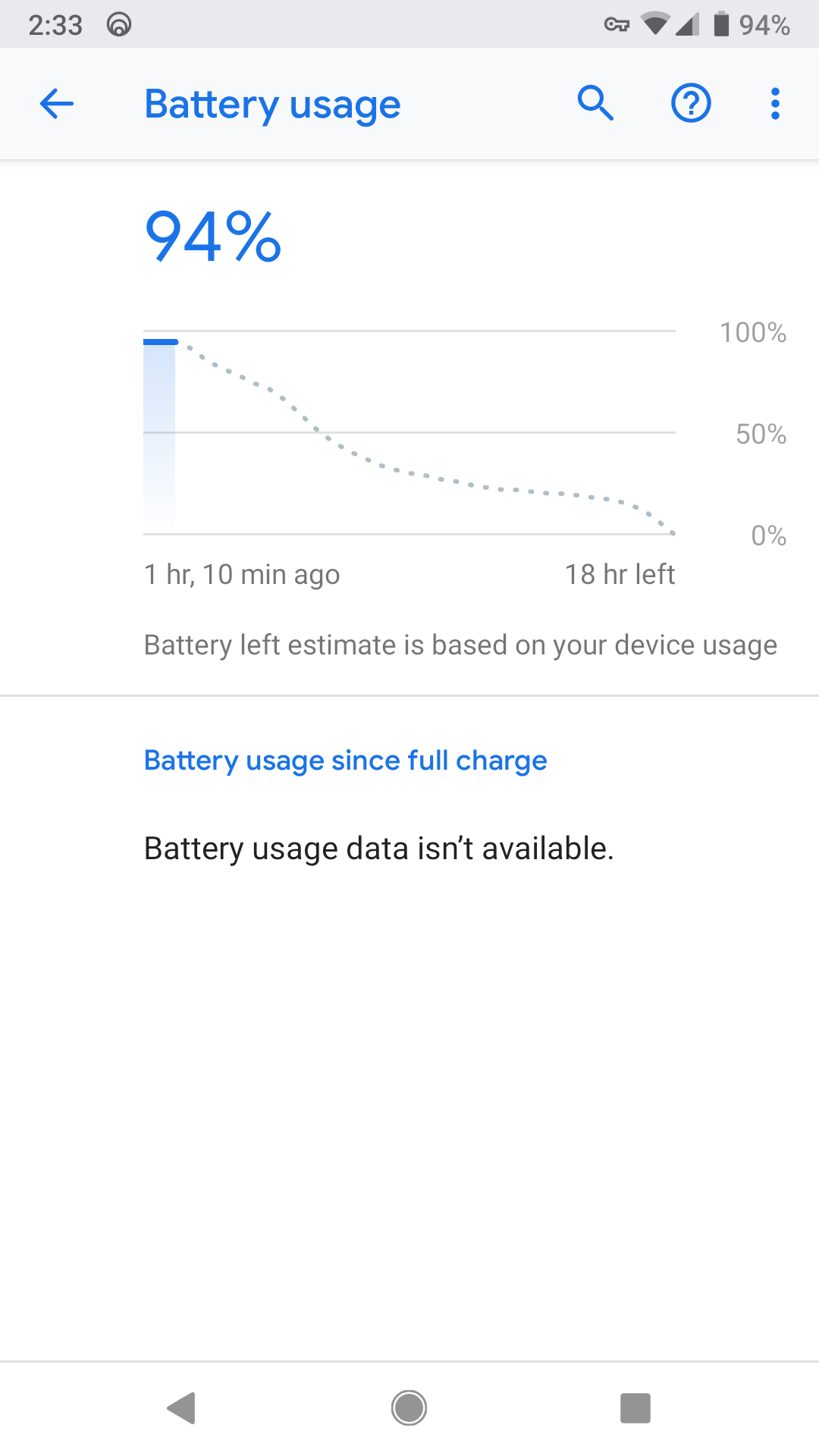
So I turned off microphone access for the Google app (Google Assistant) and it <b>hasn't dropped a single percent after an hour and is cold</b>.
It does suck that I can't use the Google Assistant with my voice anymore, but I'd take battery life that lasts more than 3 hours over that.
 0
0 0
0 1
1
 alluthus